Title here
Summary here
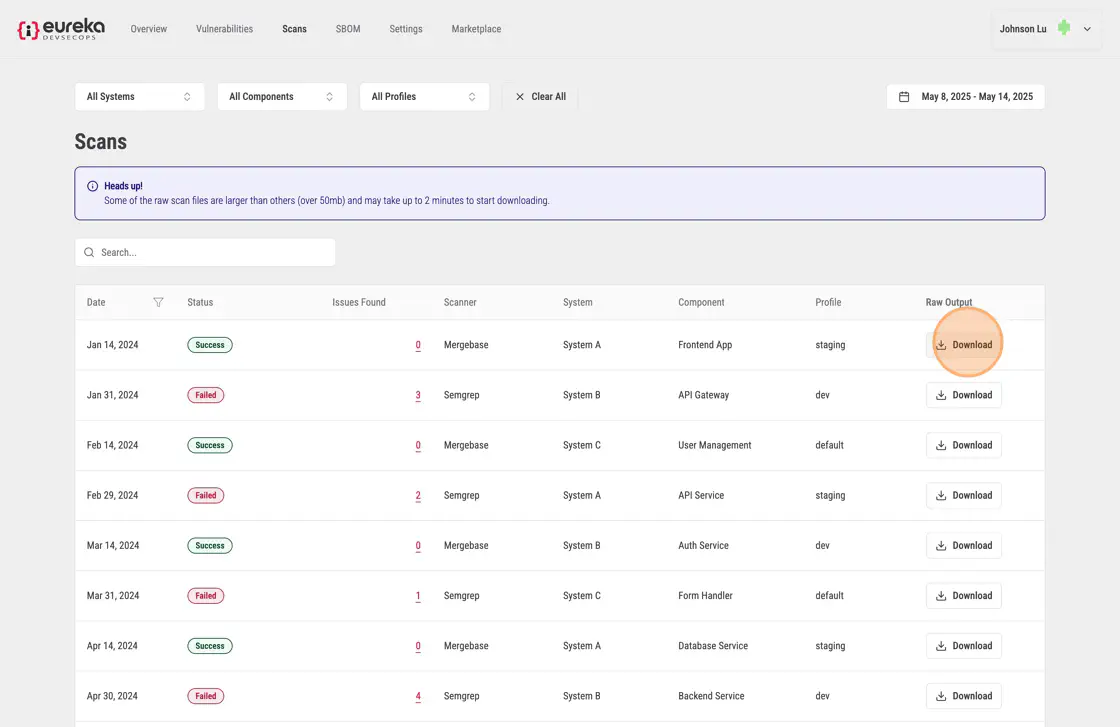
To view the original reports from the scanners, click on Scans in the top navbar. This will open the Scans page, which shows list of all completed scans for the organization. Each scan entry includes the date the scan was performed, its status (whether it succeeded, failed, or encountered an error), the total number of issues (or vulnerabilities) detected, the scanner that was used, and the system, component, and profile associated with the scan.
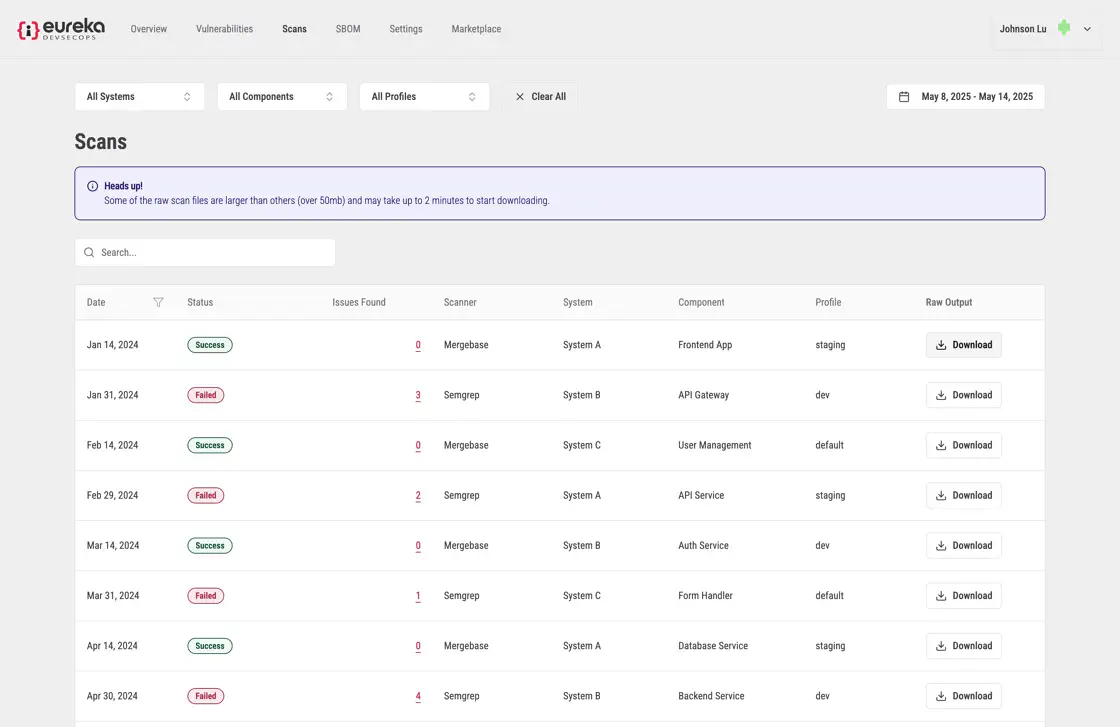
You can download a scanner report by clicking the “Download” button. This will save a detailed report of the scan, including all detected issues, logs, and other relevant data for further analysis.