Title here
Summary here
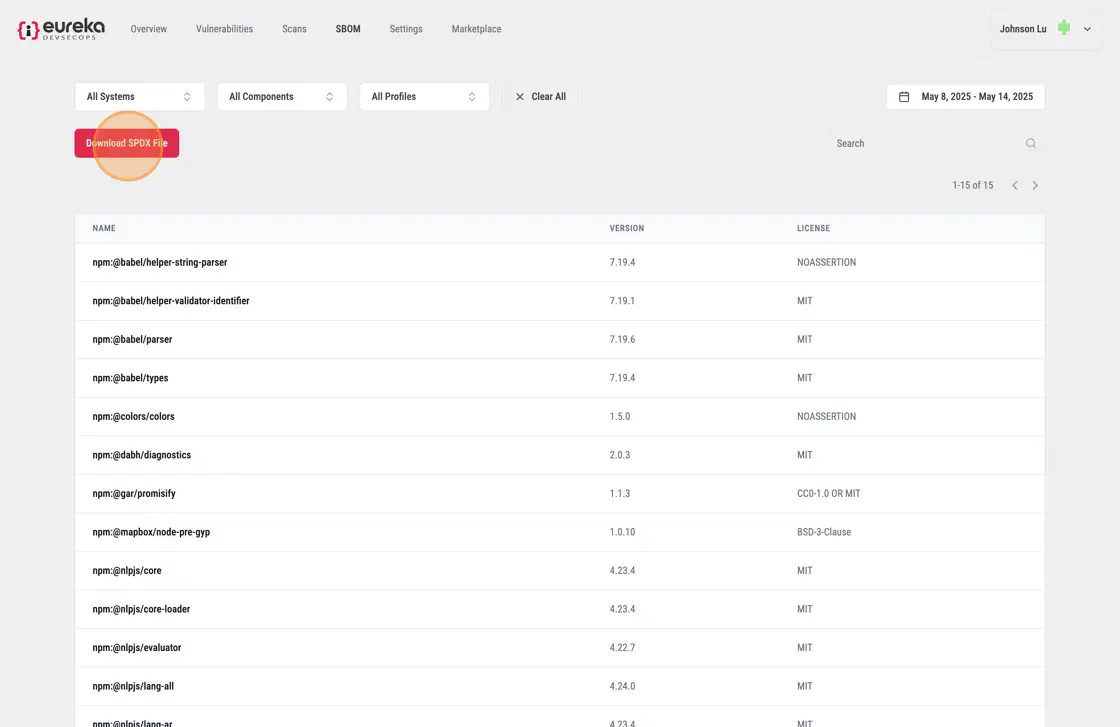
If you run SCA scanners that support creating a Software Bill of Materials (SBOM), you can access the SBOM by clicking “SBOM” in the top navbar. SBOM is a list of components, dependencies and their metadata within a system

For each dependency that was detected by the scanner, the SBOM shows its name, version, and license information. To view additional pages, use the pagination arrows in the top right corner. To find a specific dependency in the list, use the search box at the top.
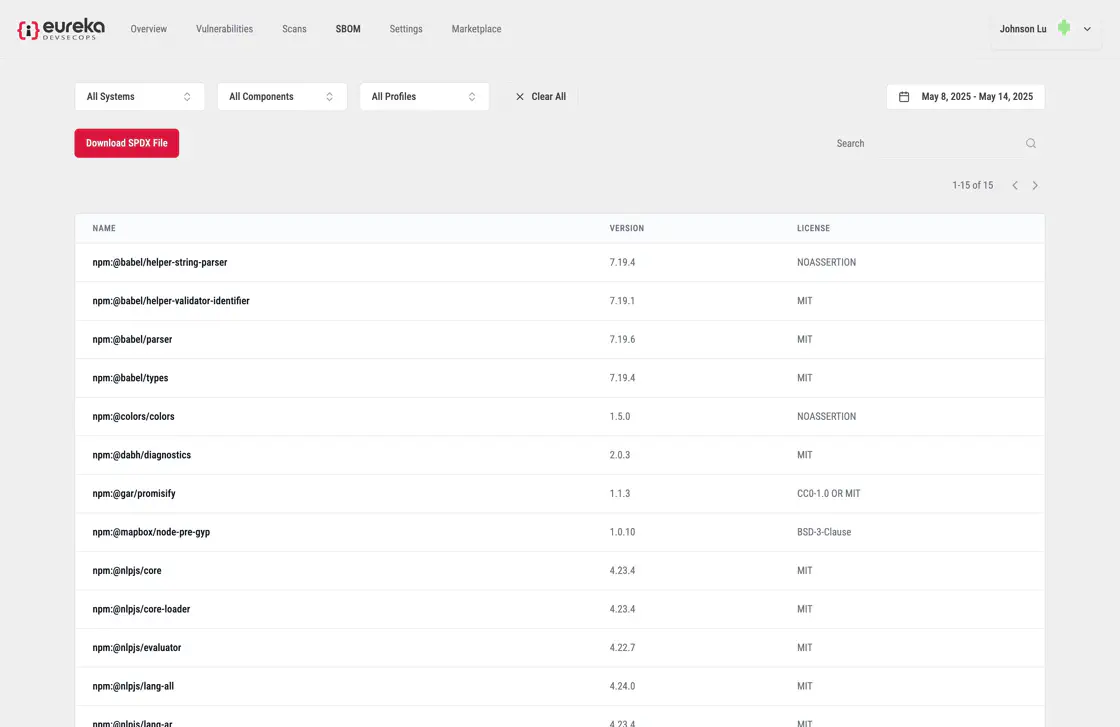
If you want to save a copy of the SBOM, click the “Download” button. The file will be saved in SPDX format (Software Package Data Exchange).