Title here
Summary here
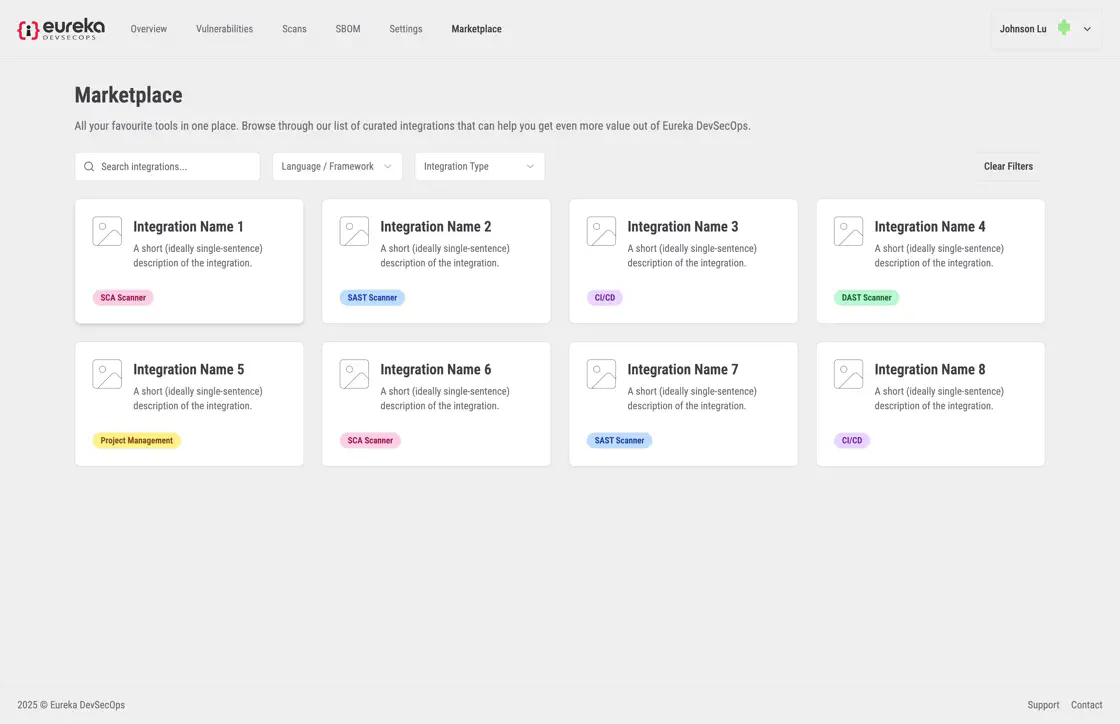
The Eureka Web App includes a Marketplace page, allowing users to integrate CI/CD platforms and Scanners onto their profiles.
Click Marketplace on the top navbar to access the Marketplace.
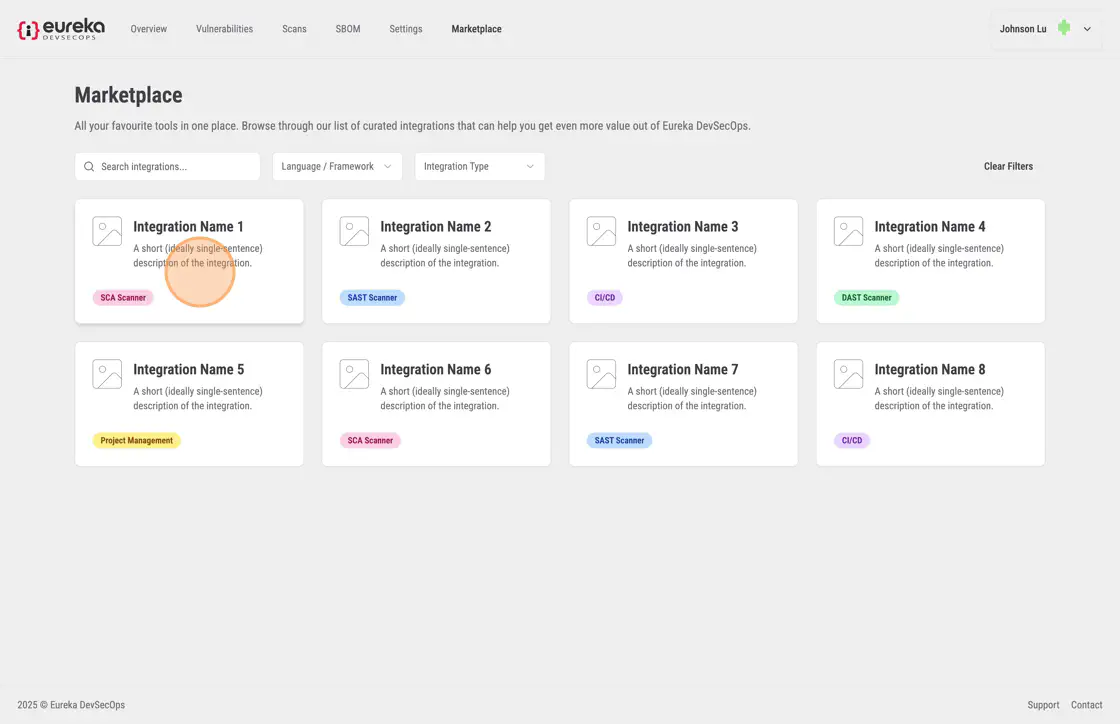
Select the integration you want to add.
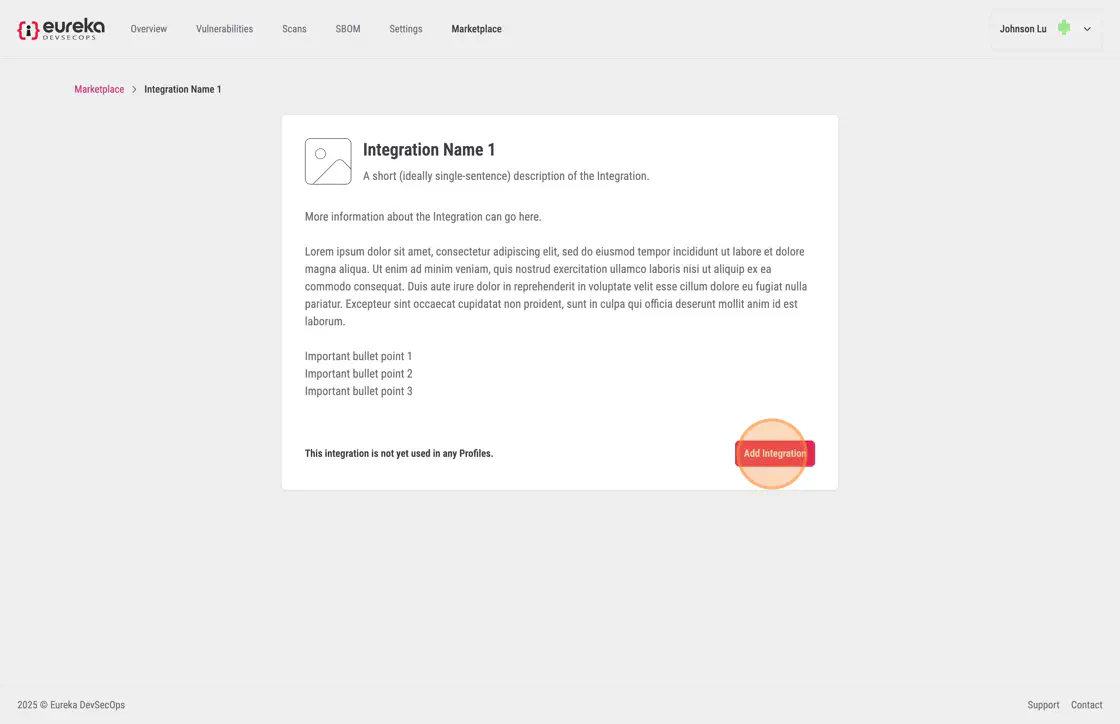
Confirm your choice by clicking Add Integration.
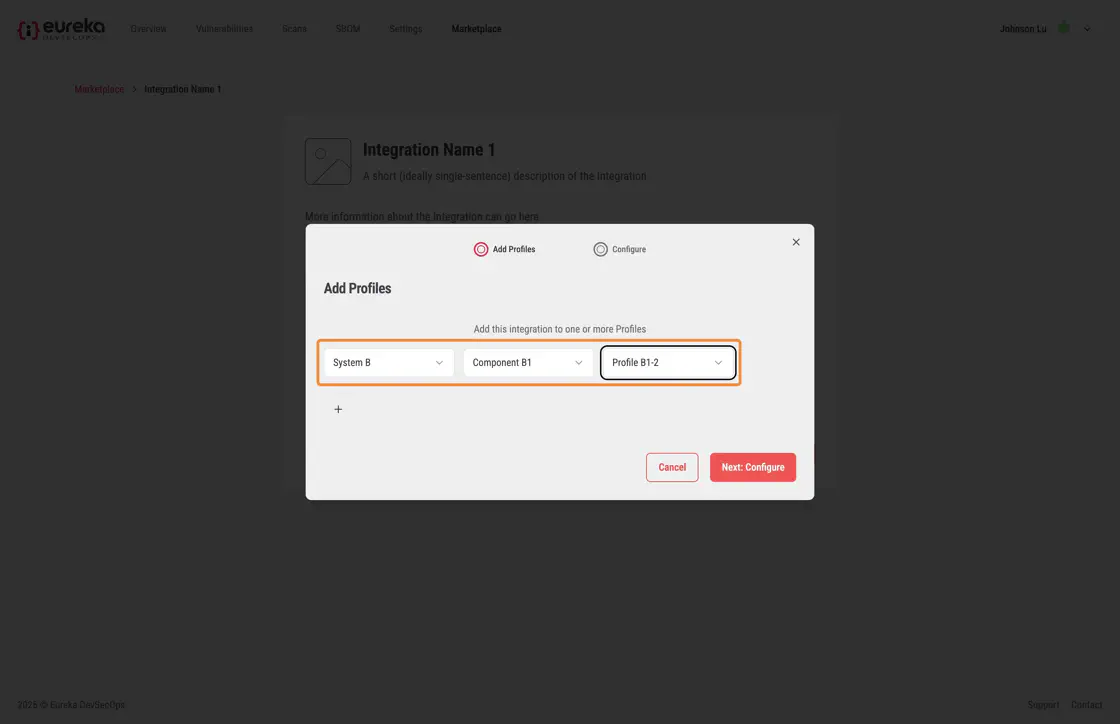
Choose the System, Component, and Profile where you want to apply the integration.
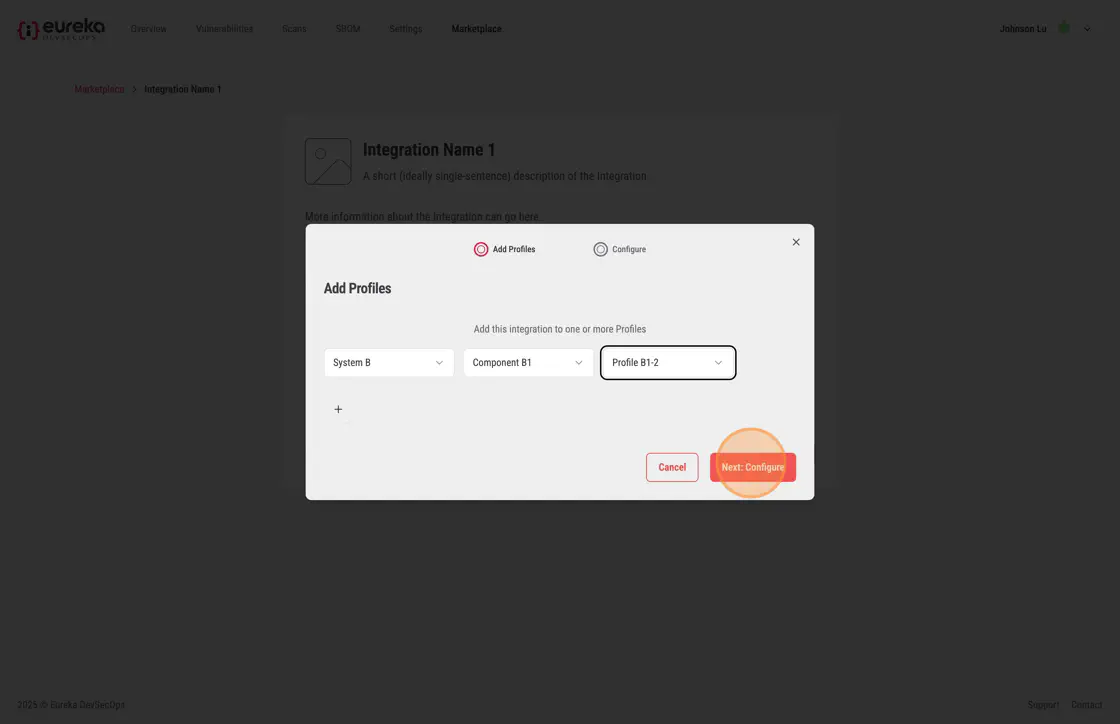
Click Next Configure to review and confirm your settings.
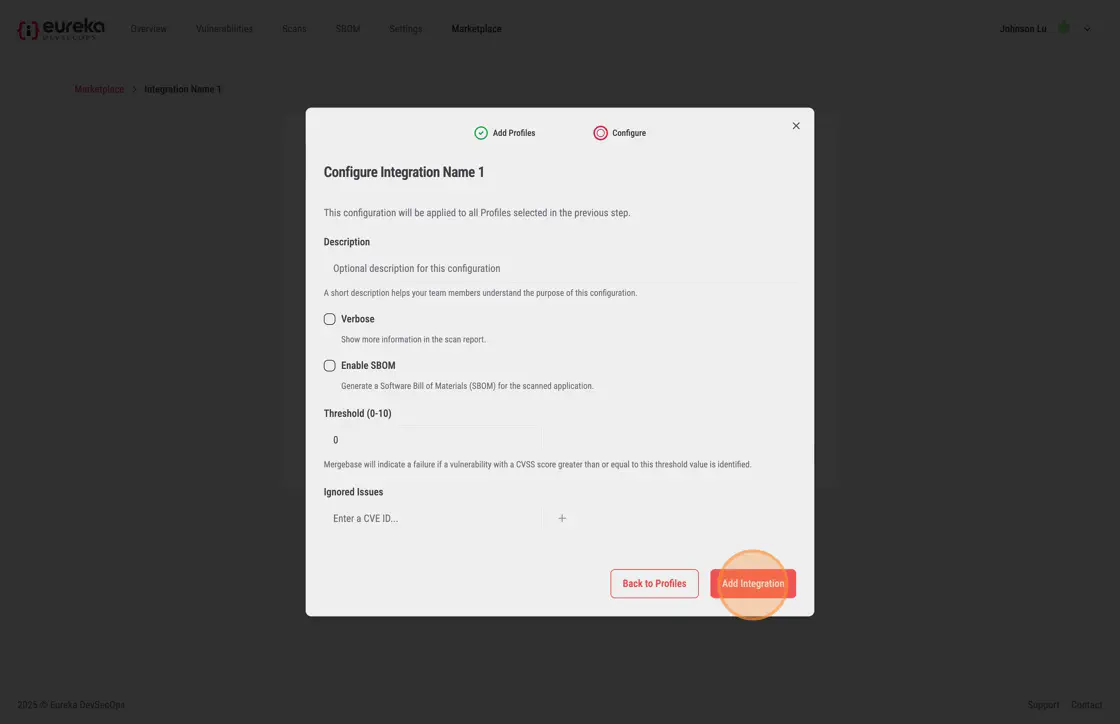
Finally, select the desired options for the integration and click Add Integration to complete the process.